No impression paste
No trays in your mouth and no unpleasant taste.
The Smile Professionals · 3D scanning
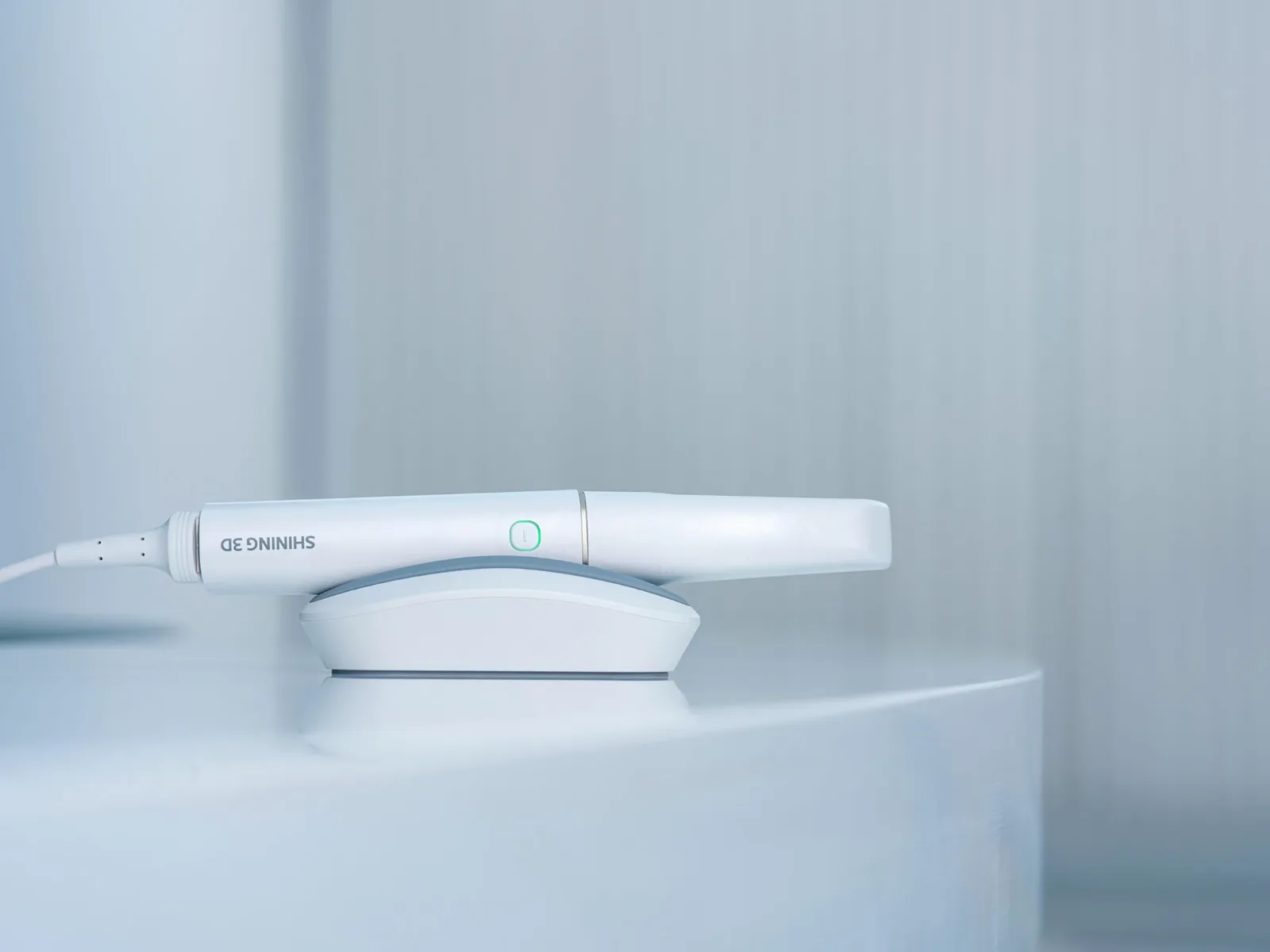
No trays, no impression paste, no gagging. With the Shining 3D Aoralscan Elf intraoral scanner we create an exact 3D model of your teeth in a few minutes and use it to plan implants, crowns and veneers.
The basics
For decades, dentists took impressions: a tray full of paste was pressed onto the teeth and held there until it set. Many people find it unpleasant, and an impression can distort or tear, which affects how well a crown fits.
An intraoral scanner replaces all of that. The dentist moves a small, light wand along your teeth. It projects structured light and records thousands of images, and the software joins them into a precise 3D model of your teeth, gums and bite in true colour. The scanner does not touch the teeth and uses no X-rays.
No trays in your mouth and no unpleasant taste.
Easier for people with a strong gag reflex. You can pause at any time.
The scanner works with light, not X-rays.
The manufacturer states an accuracy of up to 0.05 mm.
Our scanner
We use the Aoralscan Elf by Shining 3D, a modern intraoral scanner designed for fast, comfortable scanning and clear communication with the patient.
Light
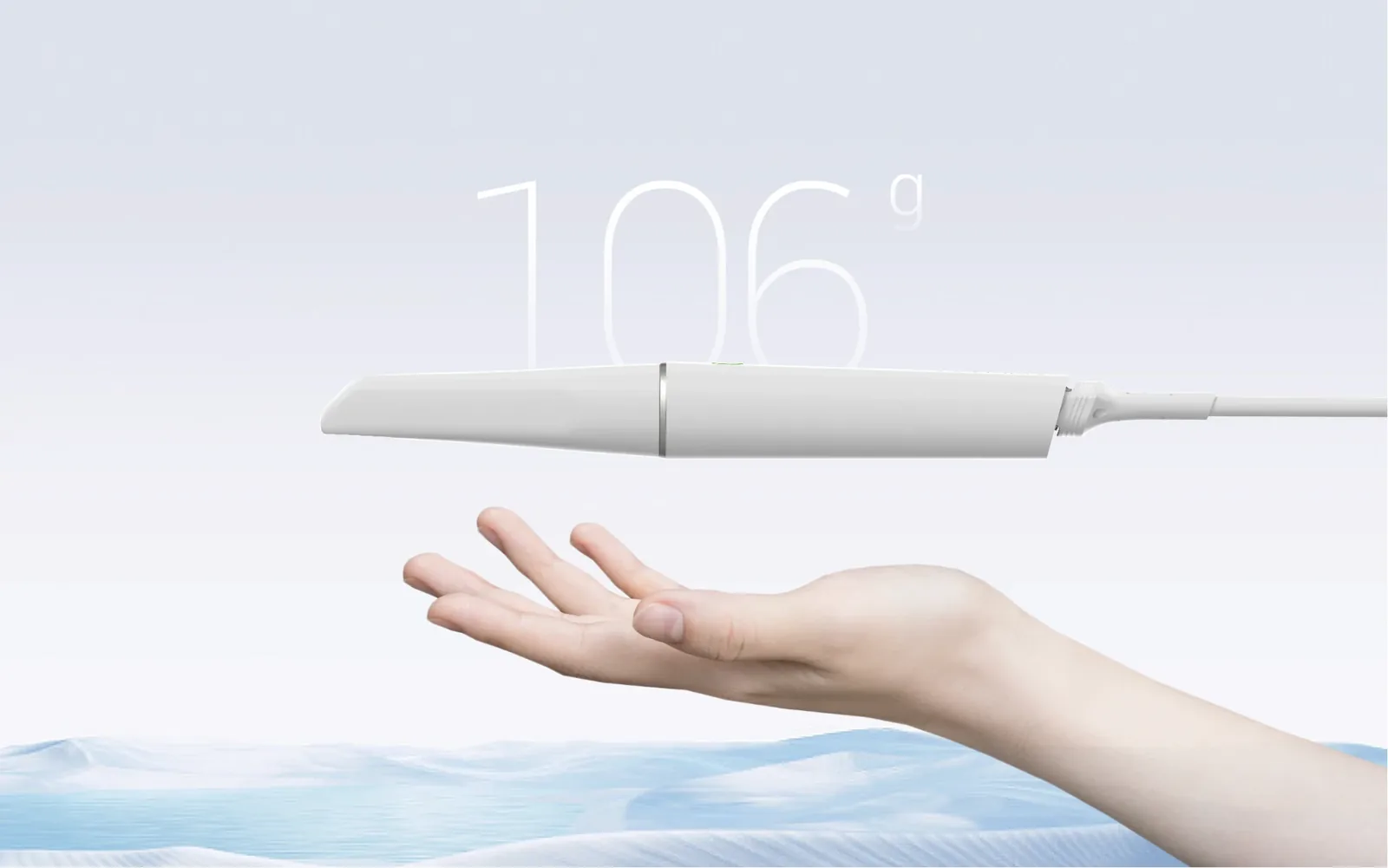
The scanner is very light and slim, so the dentist can work gently and precisely, even at the back teeth.
Tips
Interchangeable tips, including a mini tip, so scanning is comfortable for people with a small mouth.
Bite
The scanner records how your upper and lower teeth meet. Its IntelliBite analysis helps restorations fit your real bite.
Colour
You see your teeth and gums on the screen in colour and from every angle, so it is easy to understand what we recommend and why.
Hygiene
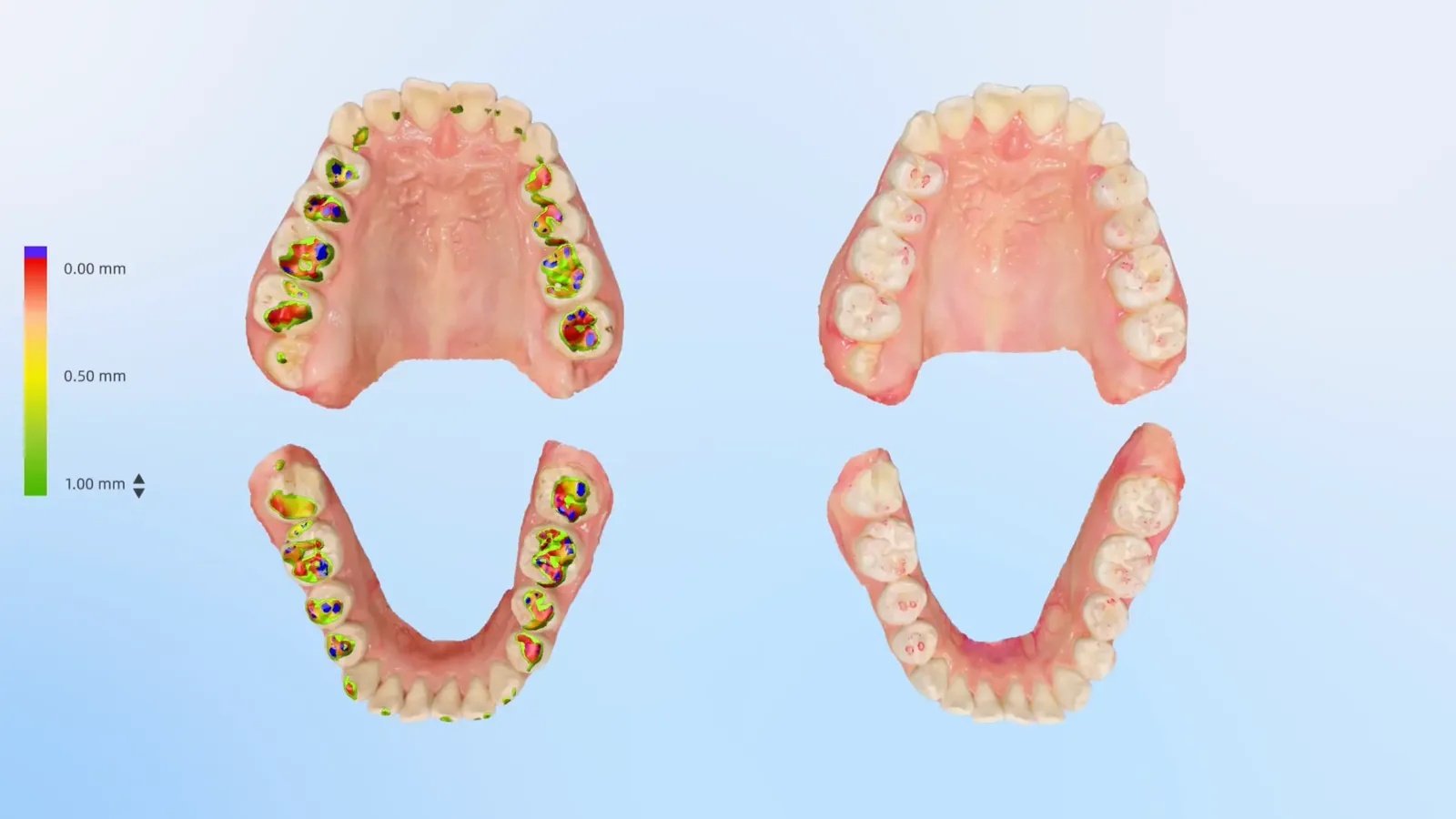
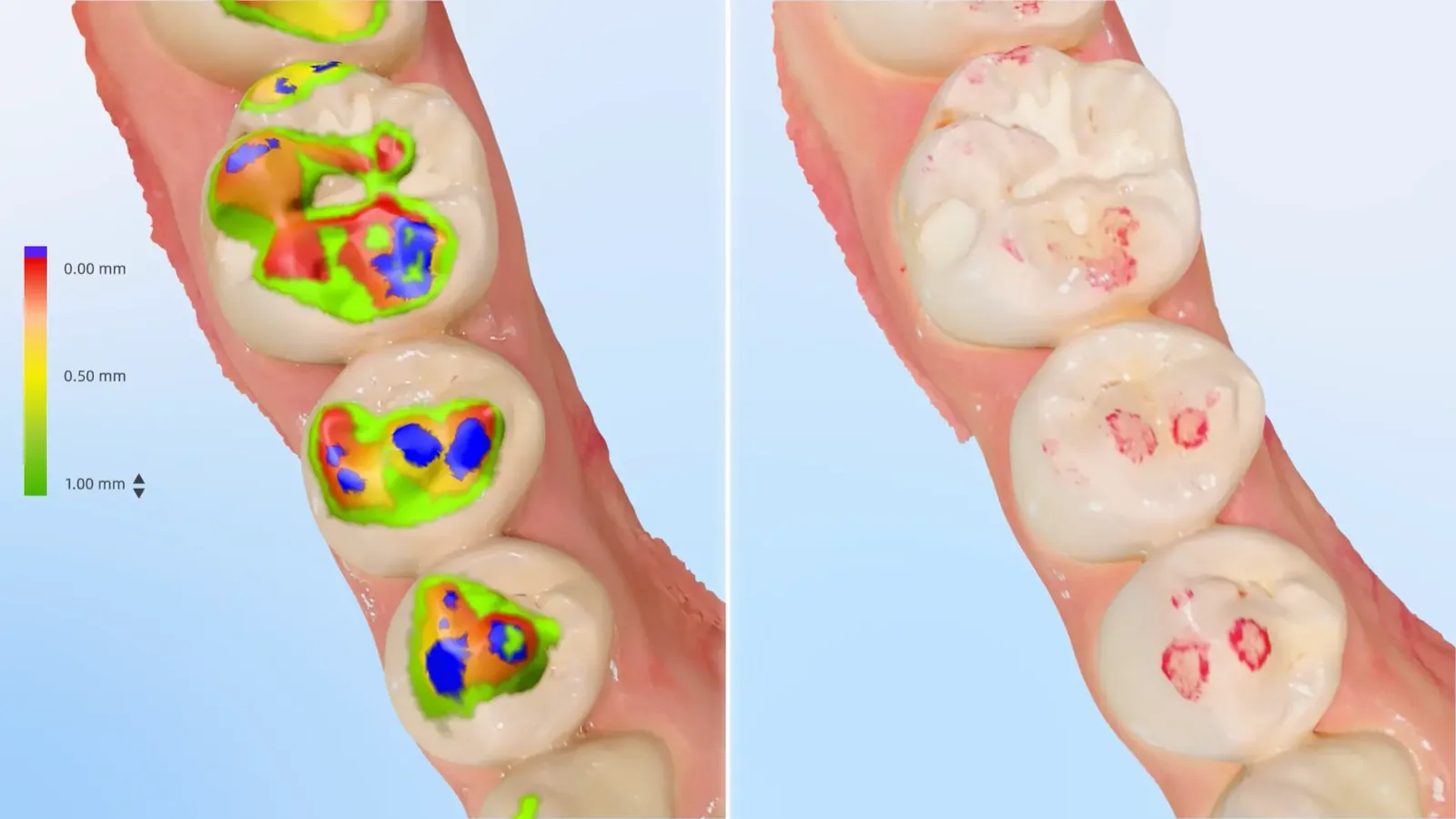
The scanner can show plaque on the 3D model and calculate how much of the tooth surface it covers. You see exactly where to brush better.
Digital
The 3D model goes straight into our CAD/CAM design software. Crowns and veneers are designed from the same precise data.
What you see on the screen
The model can be rotated and zoomed on the screen, so you see your teeth from every side.
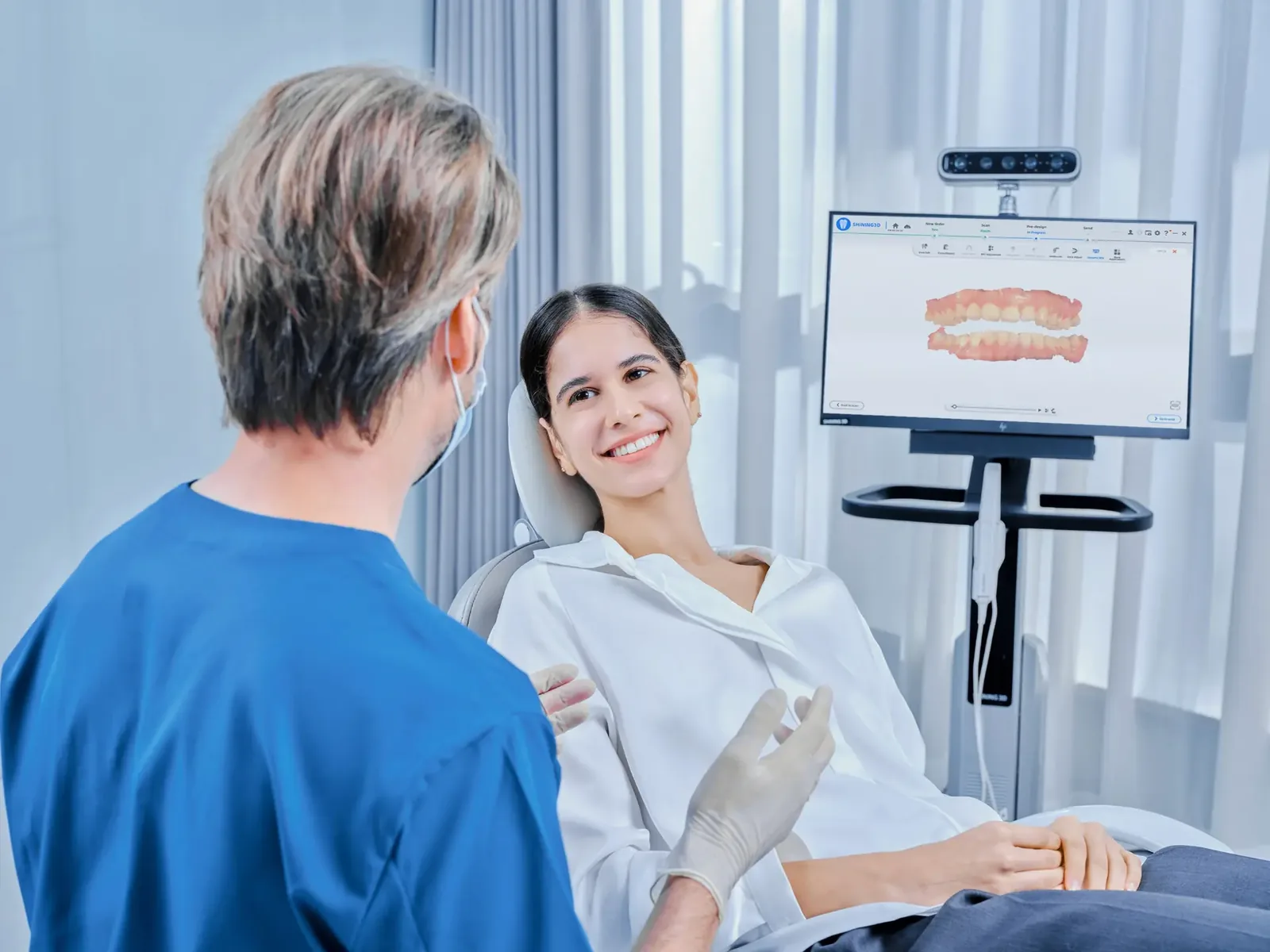
Images: Shining 3D
Where we use it
Together with a CBCT, the scan is the basis for planning the implant position and the future crown.
About implants →E.max restorations are designed digitally from your scan for a precise fit.
About e.max veneers and crowns →We plan shape and length of new teeth on the 3D model before any treatment.
Scans from different visits can be compared to follow changes in your teeth and gums.
Good to know
The intraoral 3D scan: shows the surface — teeth, gums and bite. It uses light, is done in our clinic in a few minutes and is part of your consultation.
A CBCT: a 3D X-ray that shows what is inside — the bone, nerves and sinuses. It is needed for implant planning. We do not have a CBCT machine in the clinic: you get a referral and have it done at an imaging centre of your choice, where it is paid separately.
For implants, the doctor combines both: the CBCT shows where the bone is, the scan shows where the future tooth should be.
No preparation is needed. The teeth are gently dried with air.
The dentist moves the wand along the upper teeth, the lower teeth and your bite.
Your teeth appear on the screen while we scan.
We show you the model and explain what we see and what we recommend.
FAQ
No. The scanner does not press on the teeth and needs no anaesthesia. You only feel the small tip moving in your mouth.
The scan is part of the consultation for implants, crowns and veneers.